Smart link extraction
Detects HTTP(S) URLs, deduplicates tracking parameters, and parses multi-part archive file listings.
IDM Queue finds download URLs in text and web pages, probes file metadata in the background, and queues them in Internet Download Manager — without starting downloads until you choose.
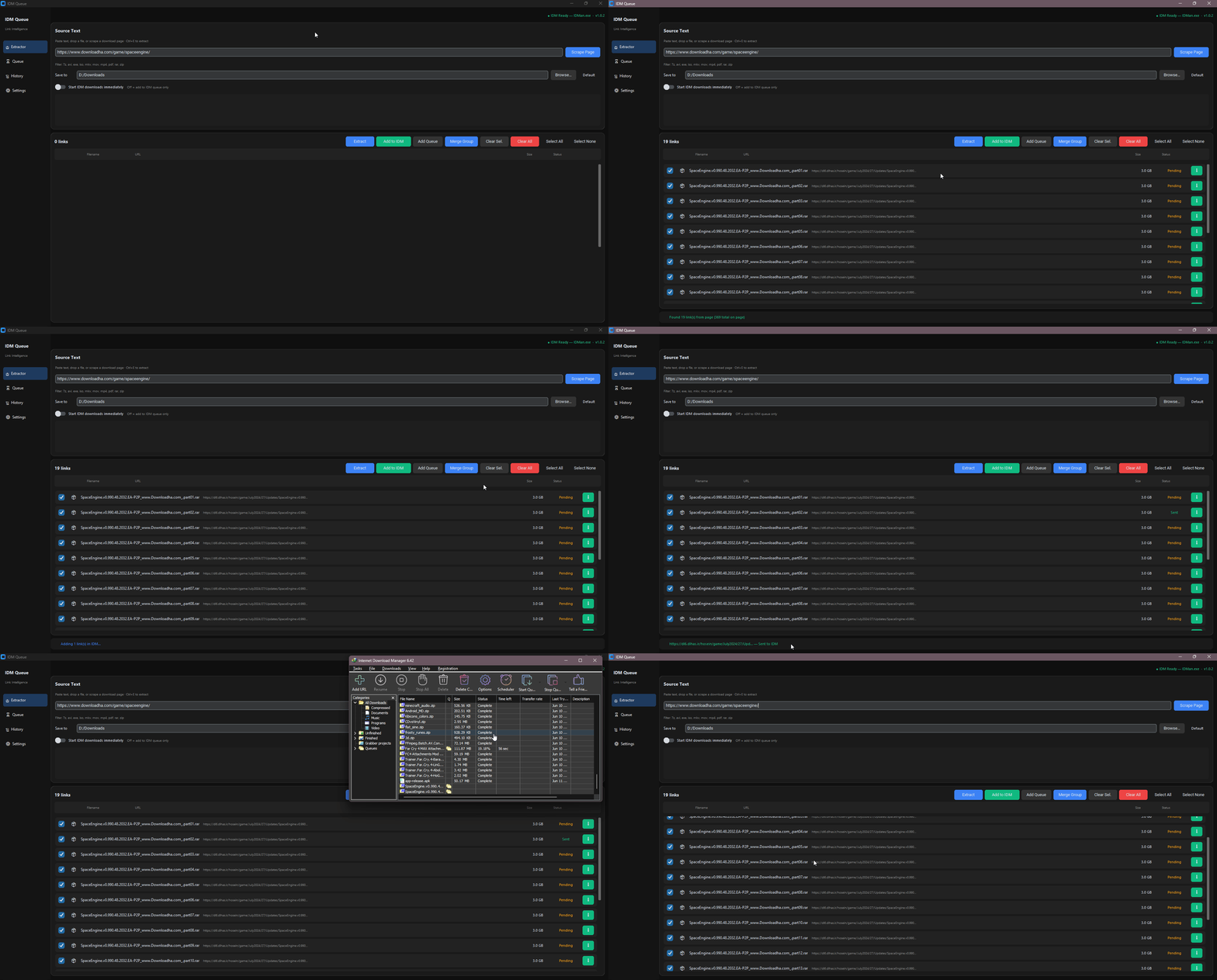
From forum paste blocks to full page scrapes — IDM Queue handles messy sources and hands off cleanly to IDM.
Detects HTTP(S) URLs, deduplicates tracking parameters, and parses multi-part archive file listings.
Async HEAD requests resolve filename, size, and type without freezing the UI.
Add links to IDM’s queue without starting downloads. Toggle instant start when you need it.
Enter a page URL and scrape downloadable links with optional file-type filtering.
Auto-capture copied links or drop text files directly into the extractor.
Batch related part files into one group and send them to IDM together.
Dark dashboard UI with sidebar navigation — Extractor, Queue, History, and Settings.
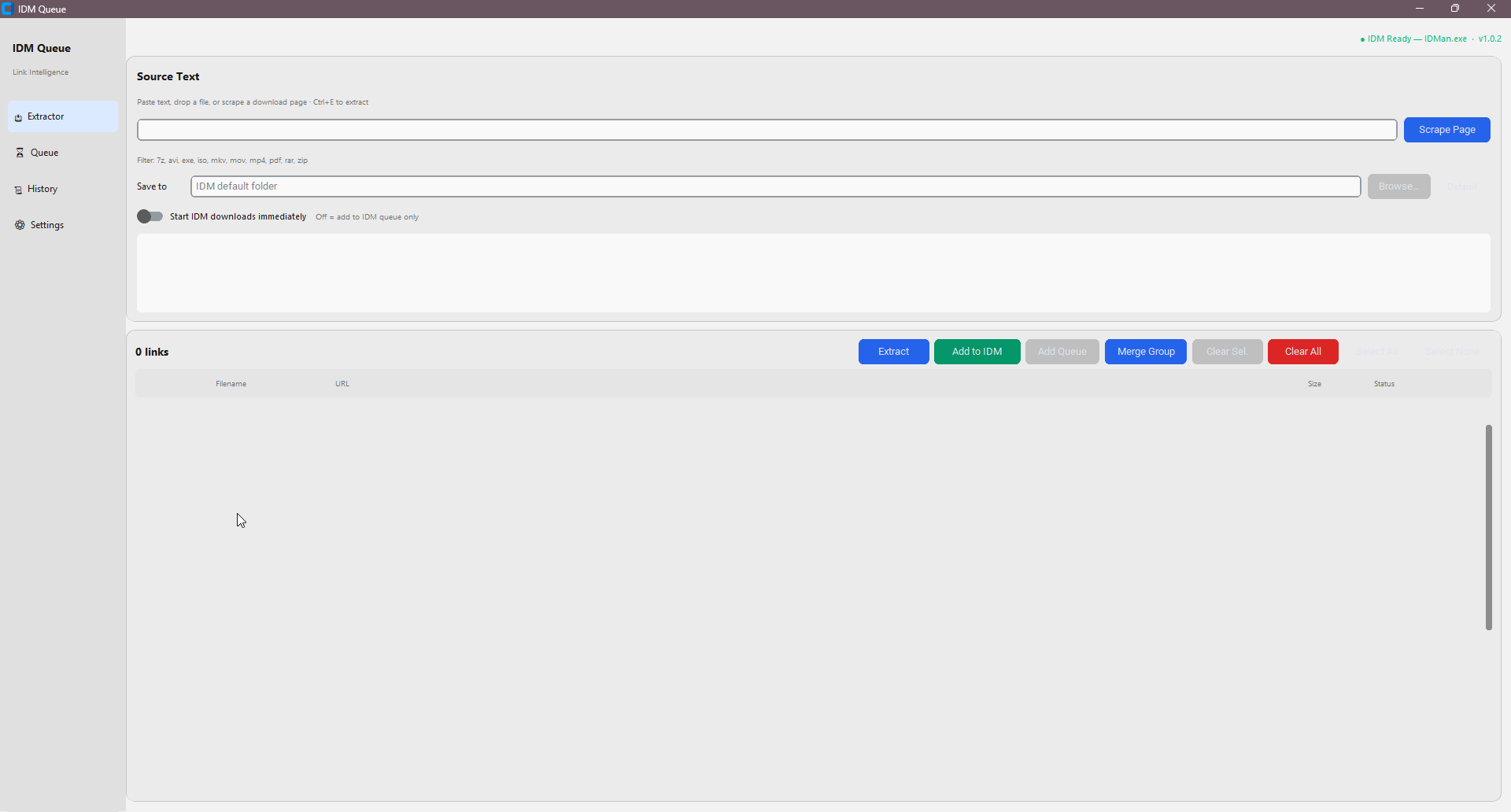
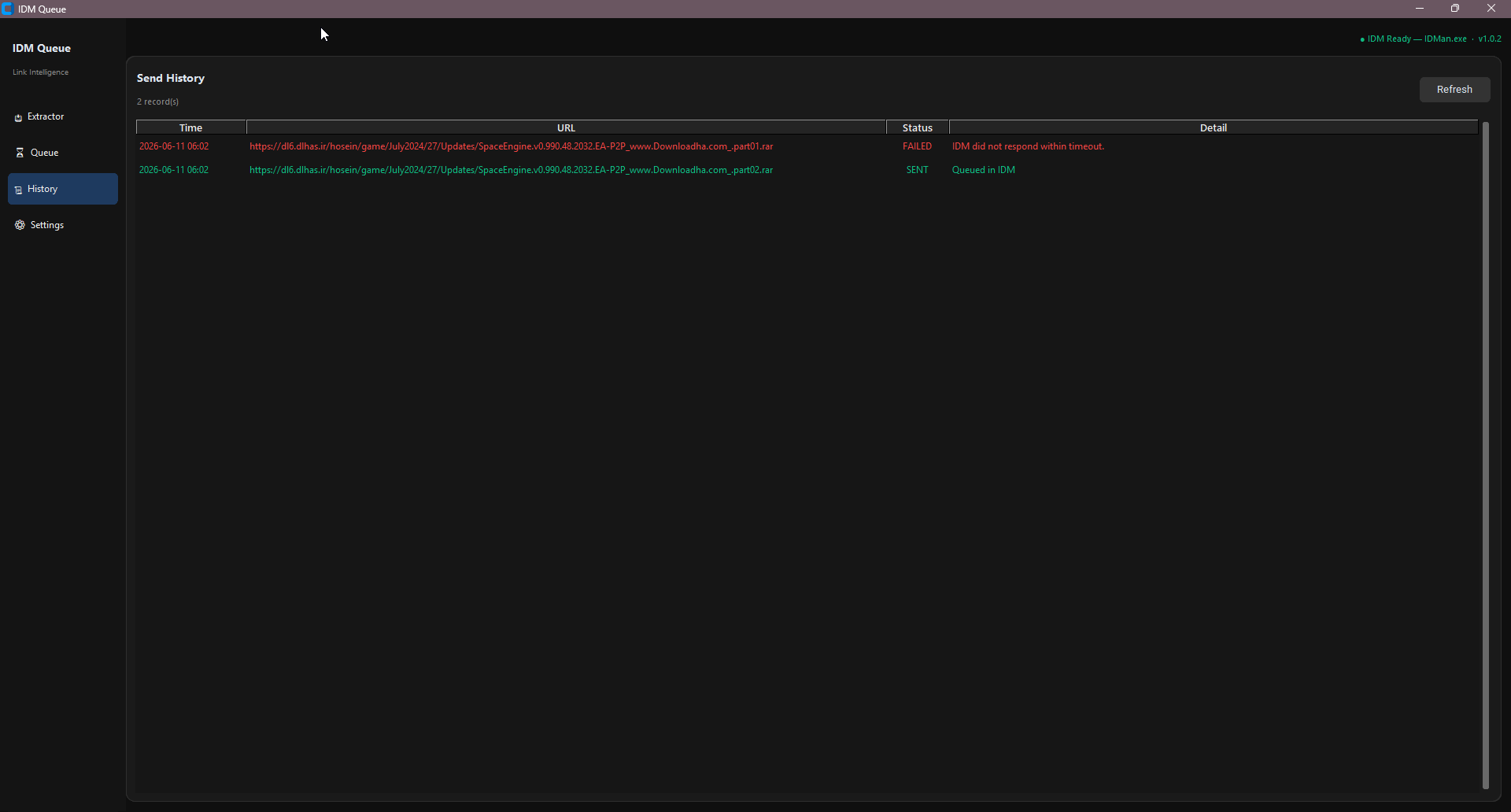
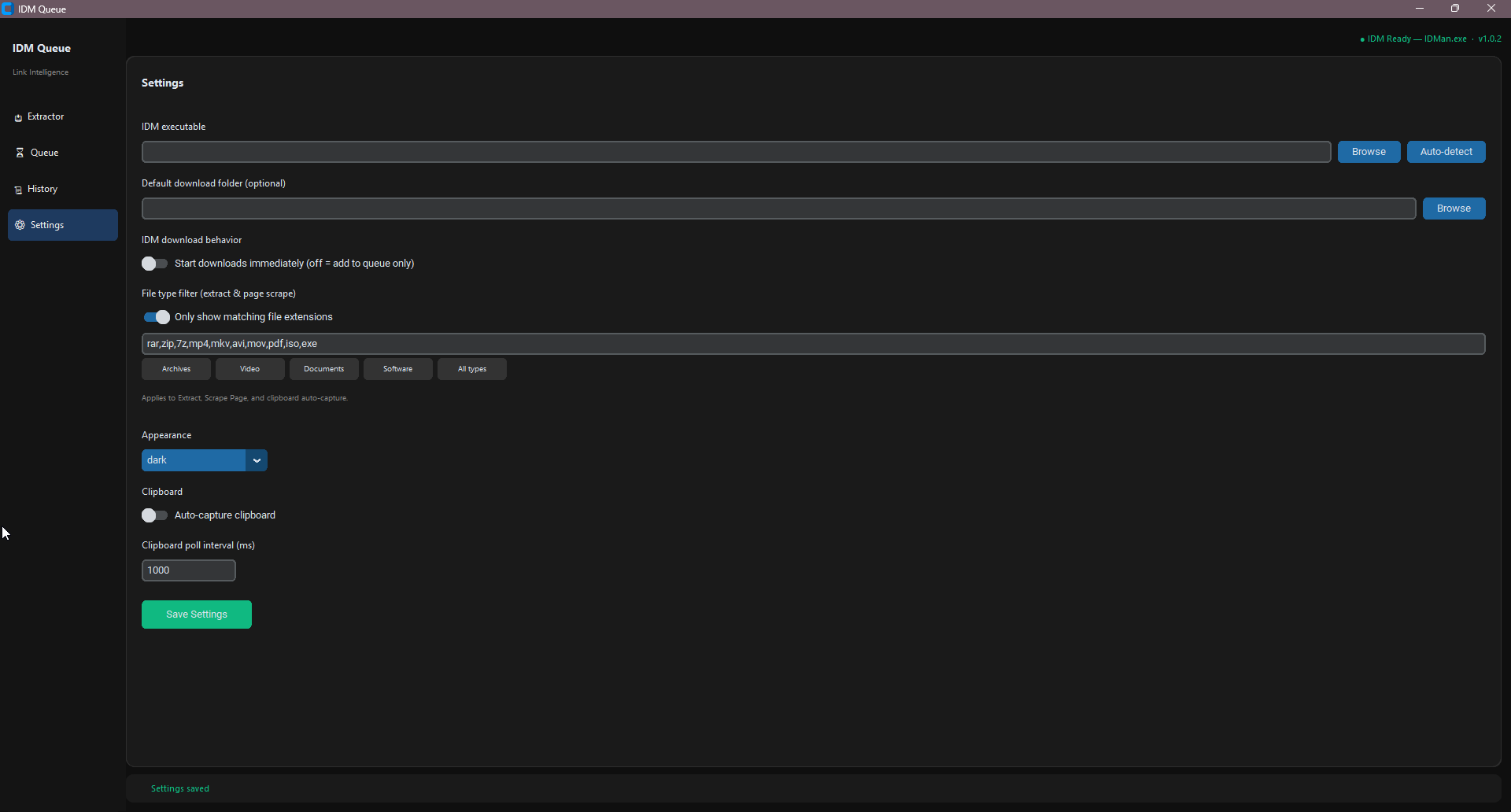
Three steps from raw text to IDM.
Drop URLs, forum posts, or scrape a download page. Filter by extension if needed.
Filenames and sizes appear as background probes complete. Select all or pick specific rows.
Links land in IDM’s queue (default) or start immediately — your choice in Settings.
Confirm that IDMQueue.exe matches the official release checksum before you run it.
Each GitHub Release includes SHA256.txt with hashes for the executable and other release assets.
Get IDMQueue.exe and SHA256.txt from Releases.
Run Get-FileHash -Algorithm SHA256 .\IDMQueue.exe in PowerShell.
The hash must match the line for IDMQueue.exe in SHA256.txt.
v1.0.3 VirusTotal: view scan report. A few engines (e.g. Microsoft Wacatac.B!ml) may flag unsigned PyInstaller EXEs — this is a known false-positive pattern. SHA256 verification is the authoritative integrity check.
Get the latest portable IDMQueue.exe from GitHub Releases. Requires Windows 10+ and Internet Download Manager.
Prefer source? Clone the repo and run python main.py — see README for setup.
Desktop app built with Python and CustomTkinter.
IDM must be installed. Path is auto-detected or set in Settings.
Settings and history stored in %USERPROFILE%\.idm-queue\